

View and manage computers
Open Computers to search or filter the organization’s inventory. Select a computer card to open its details.
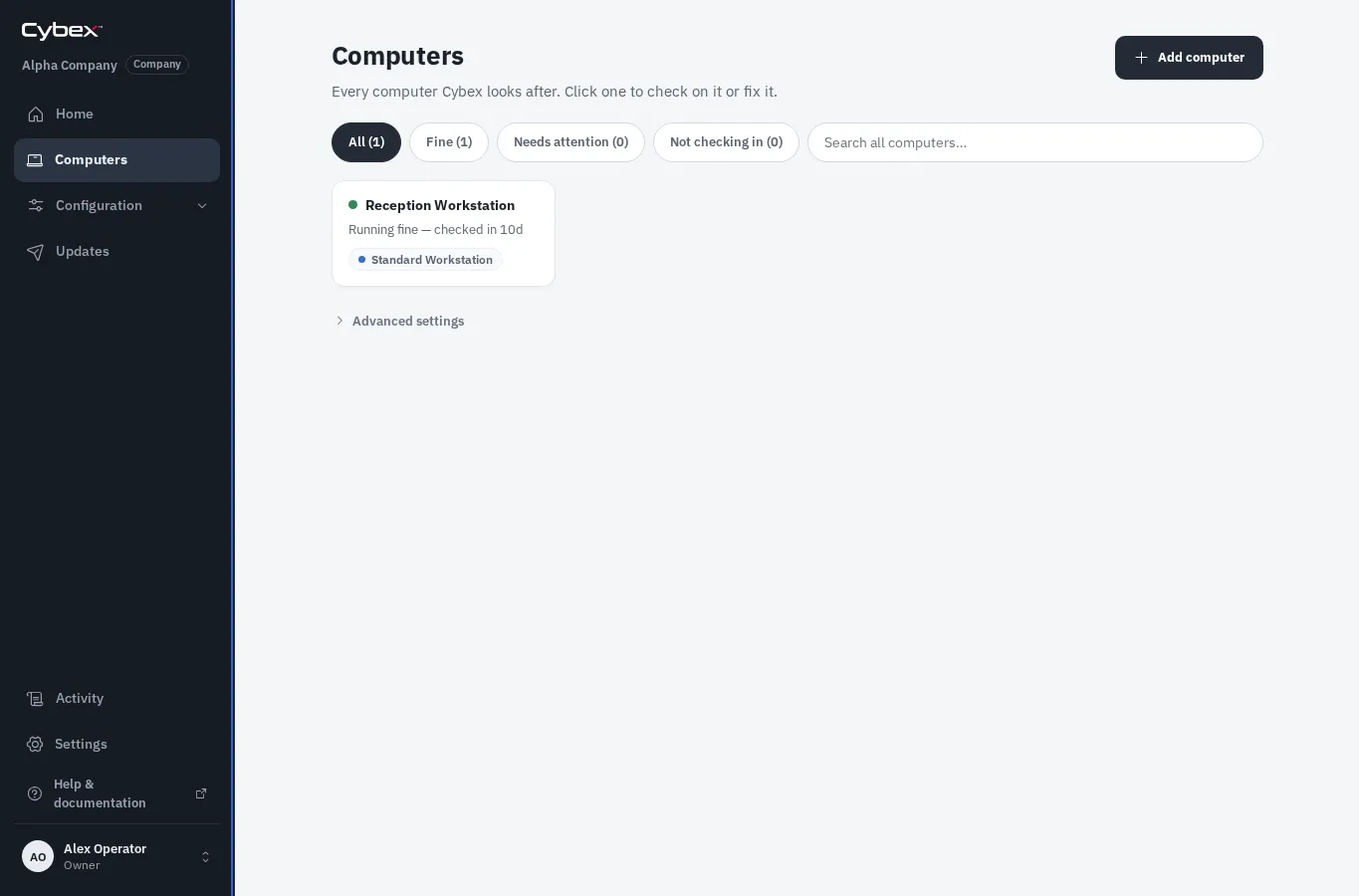
Read the status
Section titled “Read the status”- Online means the agent has checked in recently.
- Offline means Cybex has not received a check-in within the configured freshness window.
- A warning or error message identifies configuration drift, a failed command, or another condition needing attention.
The detail panel shows the assigned Blueprint, operating system and agent information, hardware inventory, recent commands, and events.
Common actions
Section titled “Common actions”- Rename the computer to a recognizable human-facing name.
- Assign a different Blueprint, then apply it when you are ready.
- Refresh inventory after hardware or operating-system changes.
- Collect redacted support logs when diagnosing a problem.
- Decommission only when the computer should no longer be managed.